Last updated: May 24, 2026 · 16 min read · By Joe McFerrin, CEO of IWD Agency
Migrating to Shopify Plus is the most common replatform path we've scoped in the past 24 months. Brands move from Magento (most common), BigCommerce, WooCommerce, Salesforce Commerce Cloud, and custom platforms — usually for the same set of reasons: tired of managing infrastructure, want faster time-to-market on new initiatives, prefer SaaS economics over self-hosted complexity.
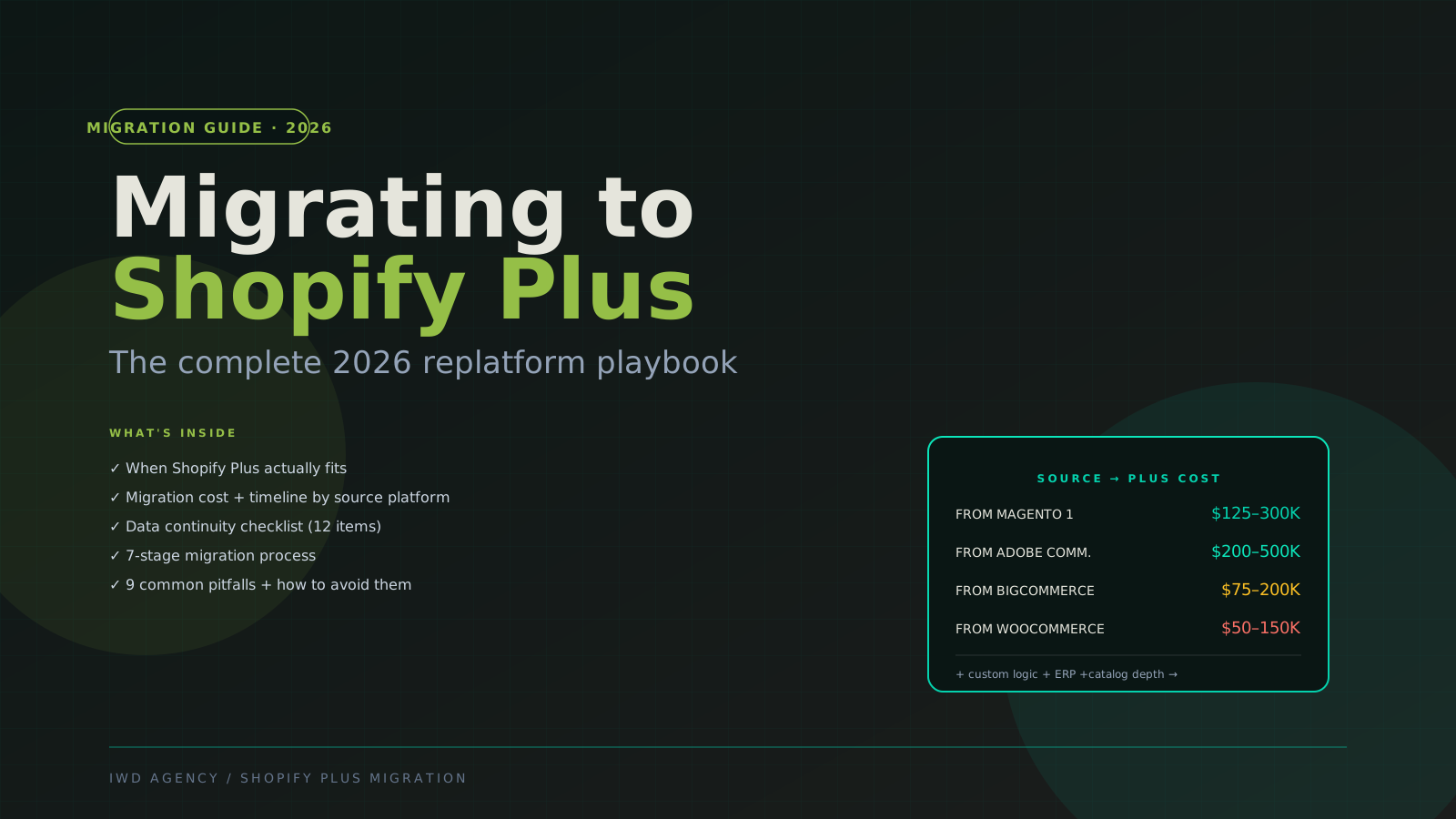
This guide is the comprehensive 2026 replatform playbook. It covers when Shopify Plus actually fits as the destination, realistic migration costs by source platform, the 7-stage process, data continuity checklist, and the 9 most common pitfalls we see kill migration projects.
If you're earlier in the decision — whether Shopify Plus is even the right destination — pair this with our Shopify Plus vs Adobe Commerce 2026 comparison and best Shopify Plus agencies guide.
The 30-Second Verdict
| Your situation | Shopify Plus the right move? |
|---|---|
| On Magento 1, sub-10M GMV, simple DTC | ✅ Yes — Shopify Plus wins on TCO + time-to-market |
| On Magento 1, complex B2B with ERP | ⚠️ Maybe — see Shopify Plus vs Adobe Commerce 2026 |
| On Adobe Commerce, considering switch | ⚠️ Usually no — migration cost rarely justifies |
| On BigCommerce, want richer app ecosystem | ✅ Yes — Shopify's ecosystem is meaningfully deeper |
| On WooCommerce, scaling beyond hobby tier | ✅ Yes — Shopify Plus is the obvious next platform |
| On Salesforce Commerce Cloud, frustrated with cost | ✅ Yes — Shopify Plus cuts platform cost 60-80% |
| On a custom platform, dev team stretched thin | ✅ Yes — SaaS economics let your team focus on growth |
Migration cost reality: $50K (simple WooCommerce → Plus) to $500K+ (Magento Commerce → Plus with B2B + ERP). Timeline: 3-8 months for most engagements.
Migration Cost by Source Platform
Migration to Shopify Plus varies significantly by where you're coming from. Here's the realistic 2026 pricing based on actual scoping calls:
| Source platform | Migration cost | Timeline | Why this range |
|---|---|---|---|
| Magento 1 | $125-300K | 5-9 months | Most complex source; M1 architecture diverges significantly from Shopify |
| Adobe Commerce 2 | $200-500K | 6-12 months | Custom logic + B2B + ERP integration translation |
| BigCommerce | $75-200K | 3-6 months | Architectures similar; cleanest migration |
| WooCommerce | $50-150K | 3-5 months | Simpler source but custom WP plugins require work |
| Salesforce Commerce Cloud (SFCC) | $250-600K | 7-12 months | Complex custom B2B + Salesforce ecosystem |
| NetSuite SuiteCommerce | $150-400K | 5-9 months | NetSuite-native logic needs reimplementation |
| Custom / proprietary platform | $100-400K | 4-10 months | Depends entirely on what you're replacing |
What drives cost variance
- Catalog size. 5K SKUs is straightforward. 50K SKUs adds 4-8 weeks. 500K+ SKUs requires custom migration tooling.
- B2B complexity. Native Plus B2B handles basic wholesale. Multi-tier catalogs, quote workflows, account hierarchies add 30-80K of build time.
- ERP integration. See our NetSuite Integration Guide 2026 — $25-150K depending on complexity tier.
- Custom checkout. Heavy checkout customization on source platform requires Shopify Functions or Checkout UI Extensions on Plus side.
- Multi-region. Each additional regional storefront via Shopify Markets adds 10-25K.
- Headless. Add $60-150K and 6-12 weeks if migrating to Hydrogen or Next.js frontend. See Headless Commerce 2026.
The 7-Stage Migration Process
Stage 1: Audit (2-4 weeks)
Inventory everything about your current store: custom code, third-party apps/extensions, data volume (SKUs, customers, orders, content), integrations (ERP, PIM, marketing, analytics), traffic patterns + SEO baseline, payment processors + gateways, shipping rules + tax configurations. The audit deliverable is a 30-50 page document that becomes the source of truth for scoping.
Stage 2: Plan (1-2 weeks)
Translate audit into engineering plan: feature parity map (what stays, what gets replaced with native Plus features, what gets deferred), scope custom Shopify Functions / Checkout UI Extensions, schedule ERP cutover (typically last 30% of project), define UAT criteria, sign-off gates, timeline + budget with explicit assumptions.
Stage 3: Design (3-6 weeks)
Design the new Shopify Plus storefront — typically a brand refresh combined with the migration (cheapest time to redesign). Wireframe + visual design + design system + accessibility review. Skipping design means you're "lifting and shifting" the old store's UX which usually undersells Shopify Plus's capabilities.
Stage 4: Build (8-14 weeks)
Build Shopify Plus from scratch in parallel with the live source store: theme + custom sections, custom apps if needed, integrations to staging environments, configurations (payment, shipping, tax, customer accounts).
Stage 5: Migrate Data (2-4 weeks)
Move historical data from source platform to Shopify Plus: customer accounts (with password reset workflow), order history, catalog data with attribute mappings, content (CMS pages, blog posts), 301 redirect map for SEO continuity.
Stage 6: QA + UAT (3-5 weeks)
Validate everything works: internal QA matrix, client UAT cycles, performance testing, accessibility audit, soft launch with traffic ramp, payment gateway live testing.
Stage 7: Cutover (1-2 weeks)
DNS flip + monitoring window:
- Final data sync from source (orders placed during late dev phase)
- DNS cutover with monitoring dashboards
- 7-14 day watch window with source store accessible as fallback
- Decommission source after stability confirmed
Data Continuity Checklist
The 12-item checklist we run on every Shopify Plus migration:
- Customer accounts — emails, names, addresses (passwords typically require reset — Shopify can't accept hashes from most source platforms)
- Order history — typically last 2-7 years; orders + line items + customer linking
- Product catalog — SKUs, titles, descriptions, options, variants, attribute mappings
- Categories / collections — hierarchy preservation, smart collection rules
- Inventory — current stock levels, multi-location mapping if applicable
- Pricing — base prices, customer-group pricing (if Plus B2B), sale schedules
- Content — CMS pages, blog posts, static blocks
- Customer reviews / UGC — typically migrate via Yotpo / Junip / Okendo
- Tax + shipping rules — regional configurations, customer-tier-specific rules
- SEO metadata — title tags, meta descriptions, canonical URLs
- 301 redirects — old source URLs → new Shopify Plus URLs (CRITICAL for SEO continuity)
- Sitemap + search engine notification — fresh sitemap.xml submitted to Google Search Console + Bing Webmaster on cutover day
The 301 redirect map is the single most important SEO continuity item. Most agencies underbudget it. Skipping it can cost 40-70% of organic traffic for 6-18 months.
9 Common Migration Pitfalls
Pitfall #1 — Skipping the audit stage
"We know our store" — until the audit reveals custom checkout logic nobody documented, 14 third-party apps in active use, and a custom integration nobody remembers building. Skip the audit, and scope blows up at week 10 of build.
Pitfall #2 — Lift-and-shift instead of architectural reset
The most expensive mistake. Treating migration as 1:1 port of source customizations preserves all the architectural debt that made the source platform hard to maintain. Better: use migration as a chance to identify what can be replaced with native Plus features, what should be deferred, and what genuinely needs custom development.
Pitfall #3 — Underestimating SEO redirect work
URL structures change between platforms. Every changing URL needs a 301 redirect. Brands that skip this lose 40-70% of organic traffic. Budget 2-3 weeks of dedicated redirect mapping work.
Pitfall #4 — Treating apps as drop-in replacements
Source platform extensions often have Shopify equivalents — but they're not identical. A Magento "X-Cart" extension has a different feature set than the Shopify equivalent. Audit feature parity, don't assume.
Pitfall #5 — Custom checkout logic break
Source platforms often have complex checkout customization (tax engines, regional shipping, payment routing). Shopify Plus checkout is more constrained — you'll use Shopify Functions or Checkout UI Extensions. Plan this in stage 3 (design), not stage 4 (build).
Pitfall #6 — ERP integration as an afterthought
"Migrate Shopify Plus first, then integrate ERP." Then discover NetSuite sync isn't possible because data models diverged. ERP integration must be designed during plan stage and validated during QA. See our NetSuite Integration Guide 2026.
Pitfall #7 — Production cutover without rollback plan
If something breaks at 3am post-cutover, you need documented rollback to the source platform. Plan for it before cutover, document it, test it on staging. The cutover hour is the highest-risk hour in any migration.
Pitfall #8 — Insufficient data validation in QA
"It looks right" is not data validation. Real validation: row counts match between source and Plus for every data set, sample customer logs in successfully, sample orders show correct totals + shipping + tax. Automated validation scripts should run nightly during build.
Pitfall #9 — Wrong agency choice
Cross-platform migrations are the hardest agency engagements. Many "Shopify Plus agencies" have shipped 50 fresh builds but only 2-3 actual migrations. Ask for specific case studies. See our best Shopify Plus agencies — the methodology section ranks agencies specifically on migration track record.
Frequently Asked Questions
Common questions about Shopify Plus migration
How long does Shopify Plus migration take?
3-5 months for WooCommerce or BigCommerce sources. 5-9 months for Magento 1. 6-12 months for Adobe Commerce or Salesforce Commerce Cloud. These are agency-side timelines — your team also needs 1-3 person-months of effort on configuration, content prep, and UAT.
How much does Shopify Plus migration cost?
$50-150K from WooCommerce. $75-200K from BigCommerce. $125-300K from Magento 1. $200-500K from Adobe Commerce or SFCC. Add Shopify Plus subscription ($2,300+/mo), hosting (included), apps ($1.5-5K/mo), and ongoing dev retainer ($8-25K/mo).
Will I lose SEO rankings during migration?
Some short-term dips are normal; long-term losses are preventable. The most important factor: comprehensive 301 redirect map from source URLs to Plus URLs. With clean redirects, sitemap re-submission to Google Search Console + Bing Webmaster, and identical metadata, most brands recover to pre-migration organic traffic within 4-12 weeks.
Can I migrate my customer passwords?
No — Shopify doesn't accept hashed passwords from external platforms. Customers will need to reset passwords on first login. Standard practice: email all customers ~1 week before cutover explaining the platform migration and the password reset workflow. Typical reset rate: 60-80% within first 30 days.
What about my Magento or BigCommerce apps?
Inventory them during audit. Most popular categories have Shopify equivalents — usually with comparable feature sets. Budget $5-20K for app replacement/setup at typical scope. Some specialized extensions have no Shopify equivalent and require custom development.
Should I redesign during migration?
Usually yes — it's the cheapest time to redesign. Adding design refresh to migration adds ~$25-60K to project cost but saves doing it later as a separate engagement. Most brands also use migration as a chance to refresh frontend technology (move from themed to Hydrogen-based headless).
Can I run my old store and Shopify Plus in parallel during transition?
Briefly, yes. During the late build + QA phase (last 4-6 weeks), Shopify Plus runs on a subdomain (e.g., new.example.com) while production stays on source. Customers don't see the new store until DNS cutover. Some brands soft-launch with a percentage of traffic for a few days before full cutover.
What's the fastest possible migration timeline?
3-4 months for catalog-only WooCommerce or BigCommerce migrations with minimal customization. Aggressive timelines require waving QA standards which compounds risk at cutover. Most healthy migrations land at 4-6 months minimum.
Should I migrate to Shopify Plus or Adobe Commerce?
Depends on operational complexity. Below 25M GMV with simple DTC, Shopify Plus usually wins on TCO + time-to-market. Above 25M GMV with complex B2B + ERP, Adobe Commerce often wins. Read our Shopify Plus vs Adobe Commerce 2026 comparison and Shopify Plus B2B vs BigCommerce B2B Edition before deciding.
Do I have to migrate from Magento 1?
Practically, yes — within the next 6-18 months. Magento 1 has been end-of-lifed since June 2020. Security patches stopped. Hosting providers are dropping PHP 7.x support. Every month longer on M1 increases operational risk. See our Magento → Adobe Commerce Migration Guide if you'd rather stay in the Magento family.
Related Reading
IWD Shopify Plus agency · Shopify Plus Pricing 2026 · Shopify Plus development agency · Shopify Plus vs Adobe Commerce 2026 · Magento to Adobe Commerce Migration 2026 · NetSuite Integration Guide 2026
If you're scoping a Shopify Plus migration, book a 30-minute migration assessment. Our team has shipped 80+ Shopify Plus migrations since 2015 across Magento, BigCommerce, WooCommerce, SFCC, and custom platforms — we'll walk through your specific situation honestly, including whether another platform might be a better destination.